
Windows authentication
Windows PC and server login with a USB dongle
Store Windows login credentials in a password-protected dongle. Users stay logged in while it is attached — remove it and the screen locks.
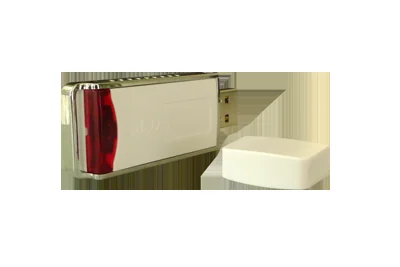
How it works
- User name and password are stored in the GoSafe dongle; the user enters only the dongle password
- Login details are never disclosed to the user
- Remove the dongle and Windows locks or logs off
- Administrators can use long, random passwords safely
- Works for single PCs and Windows Server — directly or over Remote Desktop
- Useful when staff leave: no shared passwords to change
Remote Desktop
Log on to Windows Server through Remote Desktop with the dongle, including domain logins.
Admin tip
You can hide other credential providers from the Windows logon screen so the dongle is the only way in — see the guide in downloads.
Product downloads
Brochures and guides
- How to hide credential providers from the Windows logon screenRequest link
Need software or an SDK? Request a download link.
Protect your software, files or data
Tell us what you want to protect and how you sell it. We will suggest the right dongle or tool and send a quote.